
Show the whole lesson at a glance
Put your learning goals, key concepts, activities, and assessments in one visual. Students get the big picture. No more fragmented handouts.
Make lesson design visible. Let students collaborate in real time. Export everything your admin needs. All without paying per-person licenses.
For teachers who build clarity
When students can see how your lesson fits together—objectives, activities, assessments all linked—they learn better. And when you reuse lesson structures, write one rubric, and keep it all in one place, your prep work cuts in half. That's what happens when your tool gets out of the way.
What teachers actually need
Put your learning goals, key concepts, activities, and assessments in one visual. Students get the big picture. No more fragmented handouts.
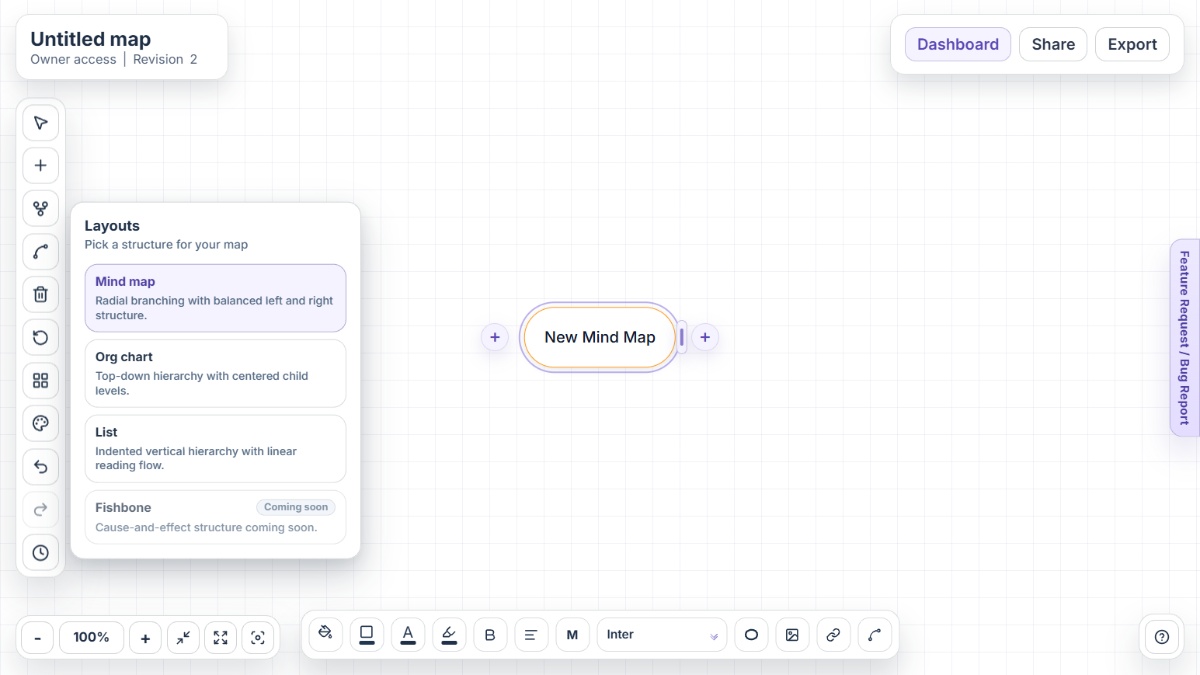
Use Mind Map for discussion, Org Chart for structure clarity, List for printable checklists. Same lesson, different teaching mode.
Share the map with your class. Let them edit it live. Watch thinking happen in real time. No breakout rooms or screenshares required.
Every lesson version is saved. Next year, remember what worked, what didn't, and what you'd do differently. No more lost notes.
Built a killer rubric? Saved. Wrote a solid project scaffold? Copy-paste it into next semester's unit. Save yourself hours.
PNG for physical handouts. PDF for your curriculum documents. Word for lesson plan files. HTML for your LMS. All one map.
Teaching workflows
Comparison
The difference is not complexity. It is practicality: instant sharing, real student access without sign-up, and export formats that fit institutional workflows.
Mindmap-Maker makes it easy to share maps with students in real time with granular access control, unlike tools that prioritize solo planning or require accounts.
Educators can brainstorm, structure, annotate, and export a single map for lesson notes, student handouts, and rubrics instead of jumping between tools.
Mindmap-Maker is free, requires no sign-up, and creates no licensing complexity, so you can share generously with students without cost or permission overhead.
FAQ
Yes. Educators use it to map learning objectives, activities, resources, and assessments in one visual structure that can be shared with co-teachers or exported to lesson plan documents.
Yes. You can share a map with student editor access and monitor changes in real time, then preserve versions so you can review contributions afterward.
Yes. Map units and lessons hierarchically, use custom connections to show prerequisites or spiraling concepts, and export to PDF or Word for curriculum documentation.
Yes. Structure the rubric as branches with criteria and performance levels, share as a viewer map, and export to PDF or print the List layout for clarity.
Share maps as viewer or editor links, export to HTML outline for LMS embedding, and use version history to track student submissions and revisions.
Yes. Share the map with editor access to co-teachers, comment via sticky notes, use version history to track changes, and export final versions for institutional records.
Visit the Help Center for guides on lesson planning workflows, assessment mapping, and export strategies tailored to classroom use.
Need setup guides and classroom tips? Start with the Help Center or explore all available capabilities on the Features page.
Open Mindmap-Maker instantly and design your next lesson in minutes.