
See your whole operation at once
All your processes, responsibilities, decision points in one visual. New team member? Show them one map instead of five documents.
Stop context-switching between tools. Map your full year, your processes, your roadmap. Export it for investors. Share with your team. All free.
For leaders who wear many hats
You're balancing strategy, day-to-day operations, team alignment, and growth. That doesn't fit in a spreadsheet. It needs space to breathe, change, and evolve. One visual map your whole team can see and edit. Export it for investors when you need to. Update it when reality shifts. No licensing deals. Just thinking made visible.
What growing teams need
All your processes, responsibilities, decision points in one visual. New team member? Show them one map instead of five documents.
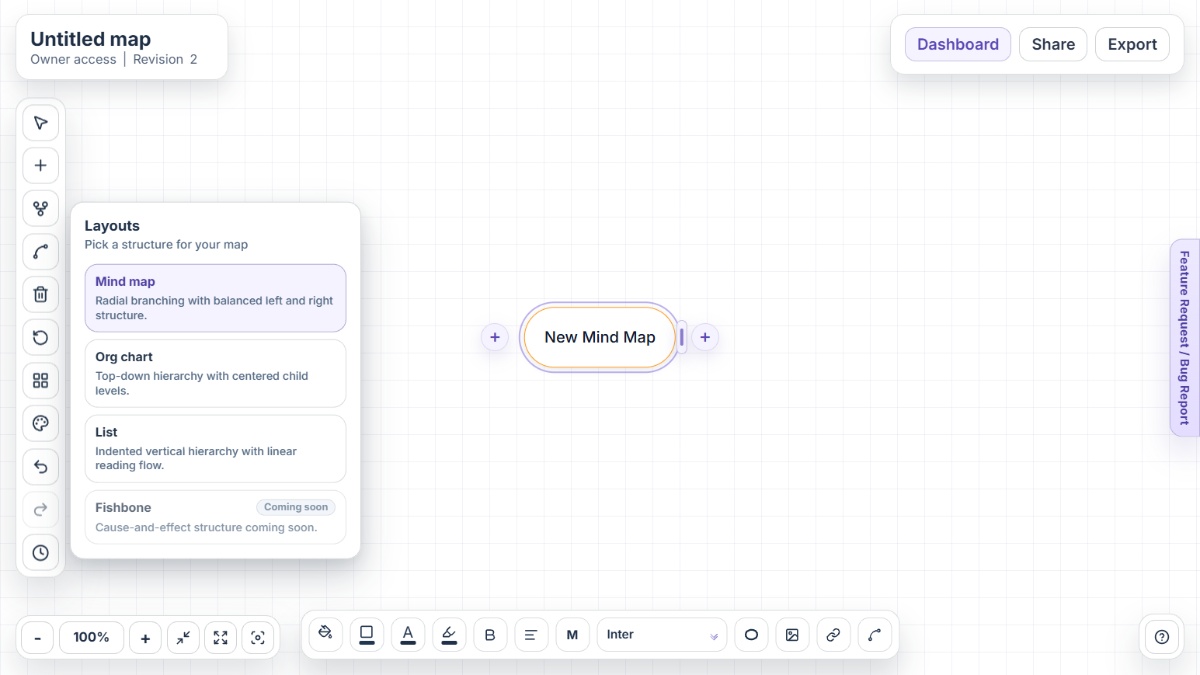
Work in Mind Map mode for brainstorming, switch to Org Chart for structure, List for checklists. Same map, changes format with your workflow.
Map your customers, features, markets, channels. See where they connect. Spot growth opportunities that spreadsheets bury.
Share your map with team members. They see the current strategy. Edit it together. No Slack wars about what we decided.
Investor asks what you did different this quarter? Version history shows it. Board wants to know past decisions? It's all there.
PNG for presentations to investors. PDF for formal plans. Word for detailed documentation. All from one map. No reformatting.
Business workflows
Comparison
The difference is startup reality: no licensing fees, no per-person costs, no vendor lock-in, and instant team access for planning and collaboration.
Mindmap-Maker is free with no sign-up, no per-person costs, and no learning curve, so small teams can start planning immediately without tool friction.
Create, brainstorm, organize, and export from one map instead of juggling multiple tools, spreadsheets, or static documents that fall out of sync.
Scale from solo entrepreneur to 20-person team without negotiating per-seat licenses, vendor contracts, or data residency compliance.
FAQ
Yes. Map annual strategy, quarterly goals, operations, product roadmaps, and growth initiatives. Share with team, update as priorities change, and export for stakeholder documentation.
Yes. Share maps with team editor access, use sticky notes to assign tasks and deadlines, and all changes are saved and visible to collaborators.
Yes. Map processes, workflows, standard procedures, and decision trees. Export to Word for employee handbooks or PNG for training posters.
Yes. Map product features, customer needs, technical dependencies, and release timelines. Use custom connections to show feature relationships and priority links.
Create viewer-only links for secure sharing, export to PDF for formal documents, or share the map directly with download/edit controls as needed.
Yes. Version history preserves all past states of your plan, so you can review strategic pivots, see what changed quarter-to-quarter, and understand decision rationale.
Visit the Help Center for guides on strategy planning, operations mapping, product roadmapping, and export workflows for business documentation.
Need help with business planning workflows? Start with the Help Center or explore all available capabilities on the Features page.
Open Mindmap-Maker instantly and start planning your next strategy, operations process, or product roadmap.