
Dedicated mind map workflows can be faster
When teams work in branch-heavy maps every day, they often prefer products built specifically around mind mapping interactions.
Canva is excellent for broad visual content creation, but many users searching for Canva alternatives want a faster, more focused mind map workflow. This guide compares practical options for brainstorming, concept mapping, and structured idea planning so you can choose the right tool for your team.
Canva Whiteboards is flexible and collaborative, but users often explore alternatives when they want deeper mind map specialization, simpler workflows, or different pricing and plan tradeoffs.
When teams work in branch-heavy maps every day, they often prefer products built specifically around mind mapping interactions.
Canva offers many creation paths, which is powerful, but some teams value a more focused environment with less feature navigation.
Free and Pro labels across templates and features can influence cost planning, especially for teams scaling visual planning workflows.
Infinite canvases are great for ideation, yet strict map structures may require extra facilitation and editing discipline over time.
For quick workshops and ad hoc idea capture, users often compare tools that remove more onboarding friction at the first edit.
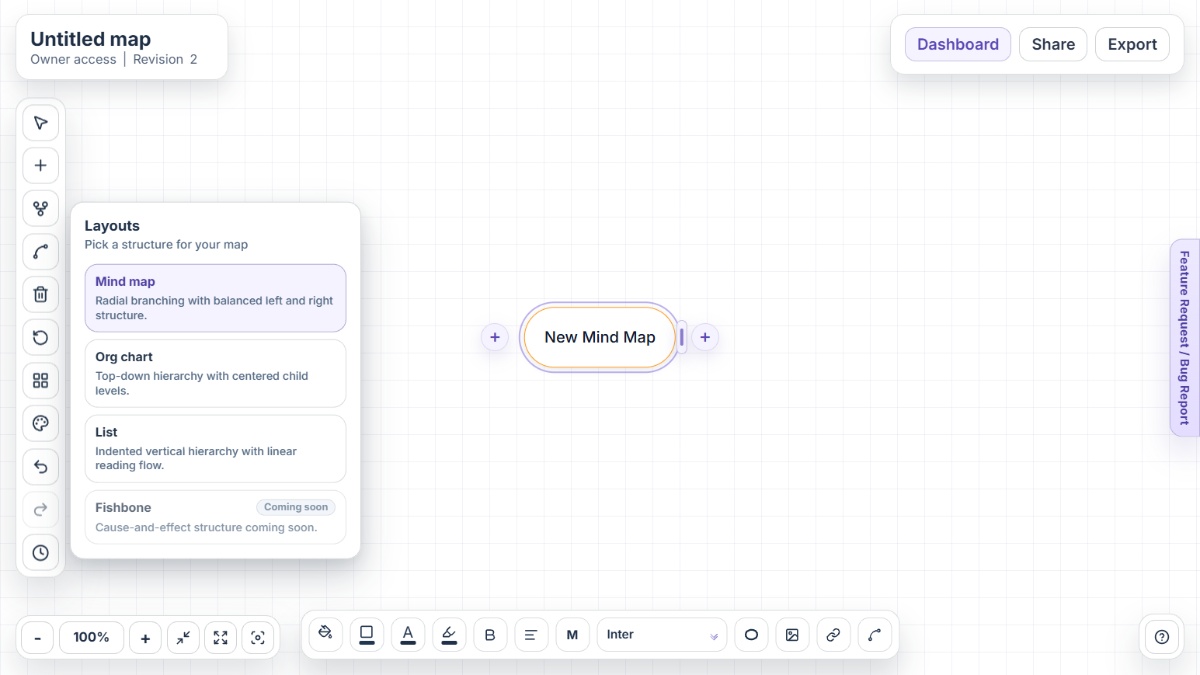
Mindmap-Maker is a browser-based mind mapping app designed for instant brainstorming without signup, with structured layouts, sharing controls, and practical export options.
XMind is a dedicated mind mapping platform that emphasizes map structures, outliner support, and focused visual thinking workflows across devices.
MindMeister is an online mind mapping tool focused on collaboration, branch-based planning, and turning ideas into task-oriented outcomes.
Miro combines mind mapping with broader whiteboarding and visual collaboration across workshops, product planning, and team rituals.
Coggle is a straightforward online tool for mind maps and flowcharts, with an emphasis on quick collaboration and clean branch organization.
Canva remains a strong choice for teams that want one platform for many visual formats, including whiteboards, docs, and presentations. If your priority is faster mind map structure, lower workflow overhead, or a more focused brainstorming environment, a specialist alternative can fit better. Mindmap-Maker is the strongest option for instant no-signup mapping, while XMind, MindMeister, Miro, and Coggle each serve distinct collaboration styles.
Mindmap-Maker is a strong option when your priority is focused, branch-first mind mapping with quick startup and practical exports.
Yes. Canva includes mind map templates and concept map workflows through its whiteboard and template ecosystem.
Yes. Canva Whiteboards describes real-time collaboration with live cursors, comments, reactions, and facilitation tools like timers.
Yes. Canva positions Whiteboards for web, desktop, and mobile usage so teams can continue planning from different devices.
Common reasons include wanting a more focused map-first UX, stricter hierarchy controls, lower workflow overhead, and clearer planning specialization.
Mindmap-Maker is usually preferred when teams want to start brainstorming immediately in the browser without account setup.