
Teams need realtime collaborative editing
FreeMind's one-user roots are strong for personal knowledge mapping, but shared planning usually benefits from modern collaboration models.
If you are looking for FreeMind alternatives, you probably value structured idea mapping but want smoother collaboration, richer visuals, or faster browser-first workflows. This comparison helps you choose the best mind map software for brainstorming, note organization, and planning in modern teams.
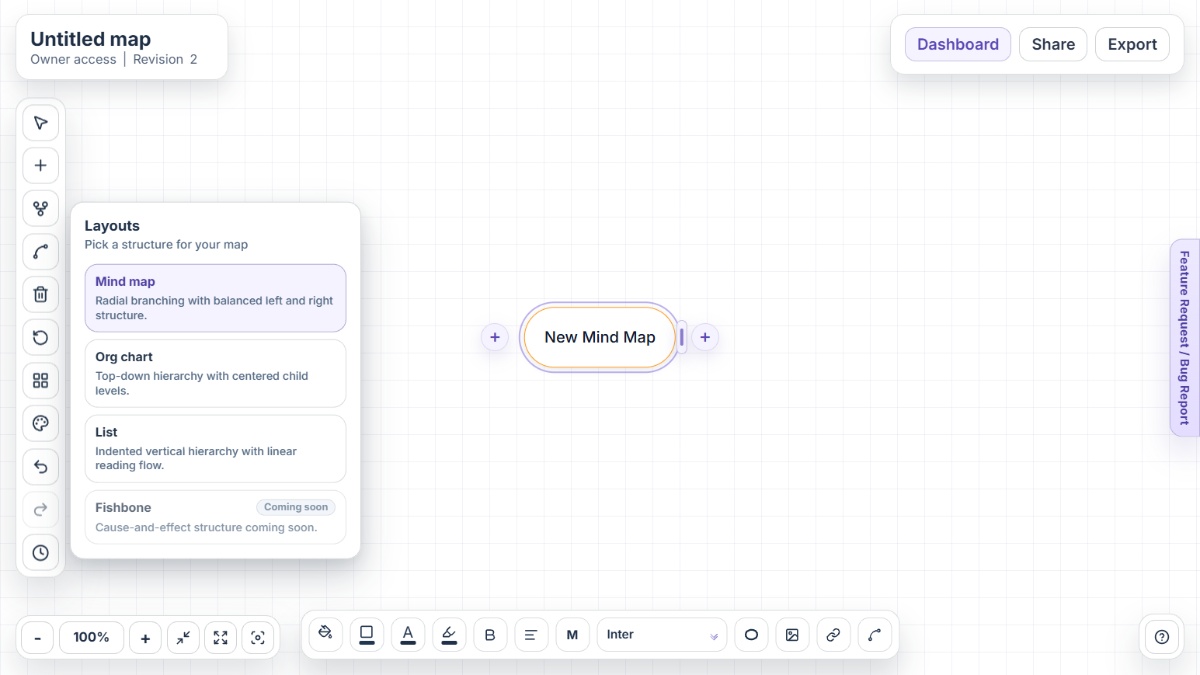
FreeMind remains respected in open-source mind mapping circles, but many users compare alternatives to match current collaboration, design, and workflow expectations at team scale.
FreeMind's one-user roots are strong for personal knowledge mapping, but shared planning usually benefits from modern collaboration models.
Installing local runtimes is acceptable for many power users, yet some teams prefer instant web access for quick brainstorming sessions.
As mind maps are used in stakeholder communication, users often seek tools with stronger visual controls, themes, and polished export outputs.
From idea maps to docs and slides, teams compare alternatives by how easily maps can be shared, exported, and reused in existing pipelines.
People introducing mind mapping to new teammates often prioritize intuitive interfaces that reduce learning friction and speed up adoption.
Mindmap-Maker is a browser-based mind mapping platform designed for instant, no-signup brainstorming and structured planning with practical sharing and exports.
XMind is a dedicated mind mapping platform combining advanced visual structures, AI-assisted ideation, and collaboration workflows across web and apps.
MindMeister is a collaborative online mind map tool focused on branch-based ideation, team sharing, and presentation-style communication.
Coggle is a lightweight online mind map and flowchart tool with fast collaboration and simple branch-based visual structuring.
MindNode is an Apple-focused mind mapping app that blends map and outline views with private sync and task-oriented organization.
FreeMind still offers real value for users who want open-source, keyboard-friendly mind mapping with strong folding-based navigation. If you need richer collaboration, modern UX, or broader export and presentation workflows, newer alternatives are often a better fit. Mindmap-Maker is the top option for instant browser-first mapping, while XMind, MindMeister, Coggle, and MindNode each suit different planning styles.
Mindmap-Maker is a strong choice when you want to open a browser and start mapping ideas immediately without account setup.
Yes. FreeMind is described by the project as free and open-source software under GPL licensing.
FreeMind documentation describes it as mainly a one-user application with preliminary locking concepts, so collaboration needs are a common reason users compare alternatives.
Yes. FreeMind supports HTML export with folding behavior and stores map content in XML, which helps with portability.
Typical reasons include realtime collaboration needs, modern UI expectations, richer media and design support, and simpler browser-first onboarding.
XMind and MindMeister are often evaluated for structured map workflows, while Mindmap-Maker is often preferred for fast browser-first collaboration and exports.