
Everyone sees the same map, not their own interpretation
Shared visual structure means less confusion. One source of truth. Team members can't interpret strategy differently if they're looking at the same thing.
Stop arguing about what you decided. Stop losing context in Slack threads. Map it once. Everyone edits. Decisions are documented.
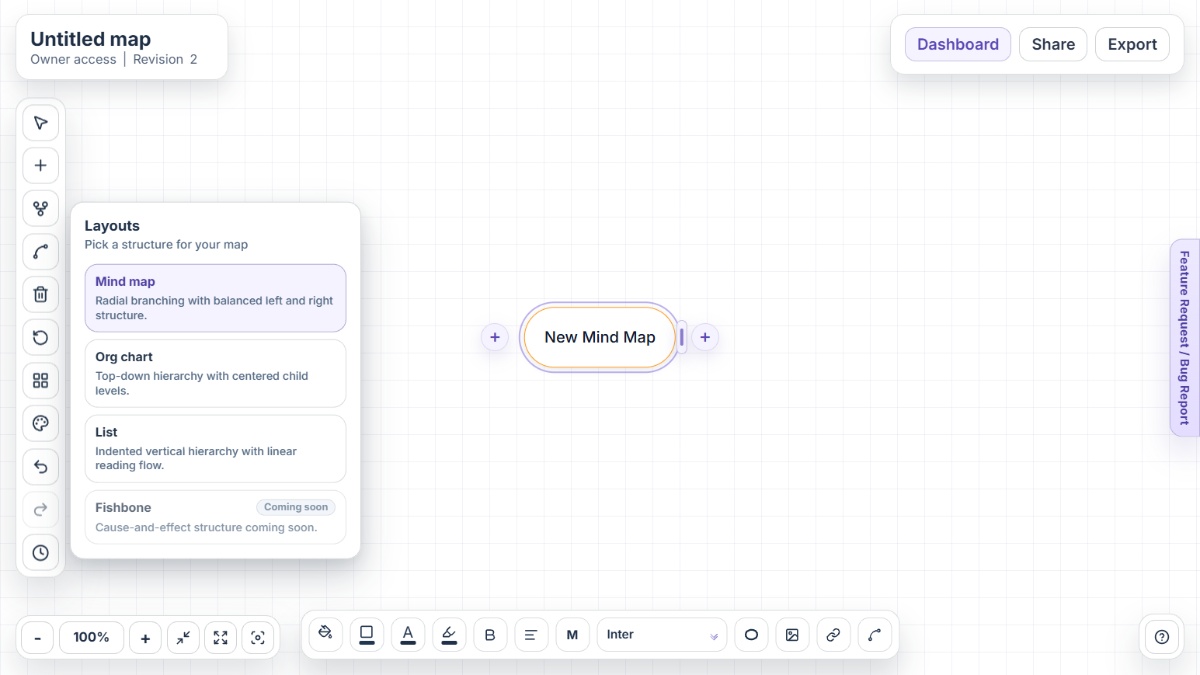
For teams that move together
Sprint planning, roadmap planning, brainstorming sessions, cross-team coordination—they all need the same thing: a shared visual your whole team can see and edit in real time. One map. Everyone aligned. Decisions preserved.
What teams actually gain
Shared visual structure means less confusion. One source of truth. Team members can't interpret strategy differently if they're looking at the same thing.
Team members edit simultaneously. Changes sync instantly. No version conflicts, email chains, or "I didn't see that update" moments.
Brainstorm sessions, feedback, decisions—sticky notes keep it all. Nothing lives in someone's email inbox. Team memory is centralized.
Version history shows every edit. When feedback shifted your roadmap, the record is there. When someone needs accountability, you have it.
Assign tasks with sticky notes. See who owns what. Update status in one place. No extra project management software needed.
Stakeholders outside your core team? Partner teams? Send one secure link. They see what they need to see. No sign-ups. No seat licenses.
Team workflows
Comparison
Real-time. Transparent. No gates. No chaos.
Not designed for solo work and bolted-on sharing. Mindmap-Maker is team-native. Multiple people editing one map is the default.
Add new team members, stakeholders, partners. Share with unlimited people at no cost. Scales because there's no licensing gate.
Version history, sticky notes, edit trails. Built-in accountability and documentation. Nothing hidden. Nothing forgotten.
FAQ
Yes. Real-time collaboration is built in. Multiple people can edit simultaneously and see changes instantly. No conflicts. No merging needed.
Share maps with Viewer, Editor, or Owner access levels. Viewers can only see. Editors can change anything. Owners can manage who has access.
Map sprint goals with user stories, team assignments, and dependencies. Switch to List layout for daily standups. Sticky notes track blockers and progress.
Version history preserves each iteration. You can see what changed and when. For detailed user attribution, reach out to support.
Unlimited. Share with your entire team, stakeholders, partners. No per-person licensing. Everyone who needs to see it can.
Yes. Map shared initiatives with team assignments, timelines, and dependencies. Each team gets access to their section and can see the whole picture.
Visit the Help Center for guides on team brainstorming, sprint planning, cross-team coordination, and how to facilitate remote team sessions.
Need guides on facilitating team sessions and collaboration? Start with the Help Center or explore all available capabilities on the Features page.
Open Mindmap-Maker and start a collaborative map with your team right now.