
Cross-platform teams often need broader coverage
When team members work across mixed device stacks, buyers frequently compare tools that are equally native on web, desktop, and mobile environments beyond Apple.
If you are evaluating MindNode alternatives, you are usually balancing platform compatibility, collaboration style, and pricing for advanced features. MindNode is polished for Apple users, but this guide helps you choose the best-fit mind map software for how your team actually plans and works.
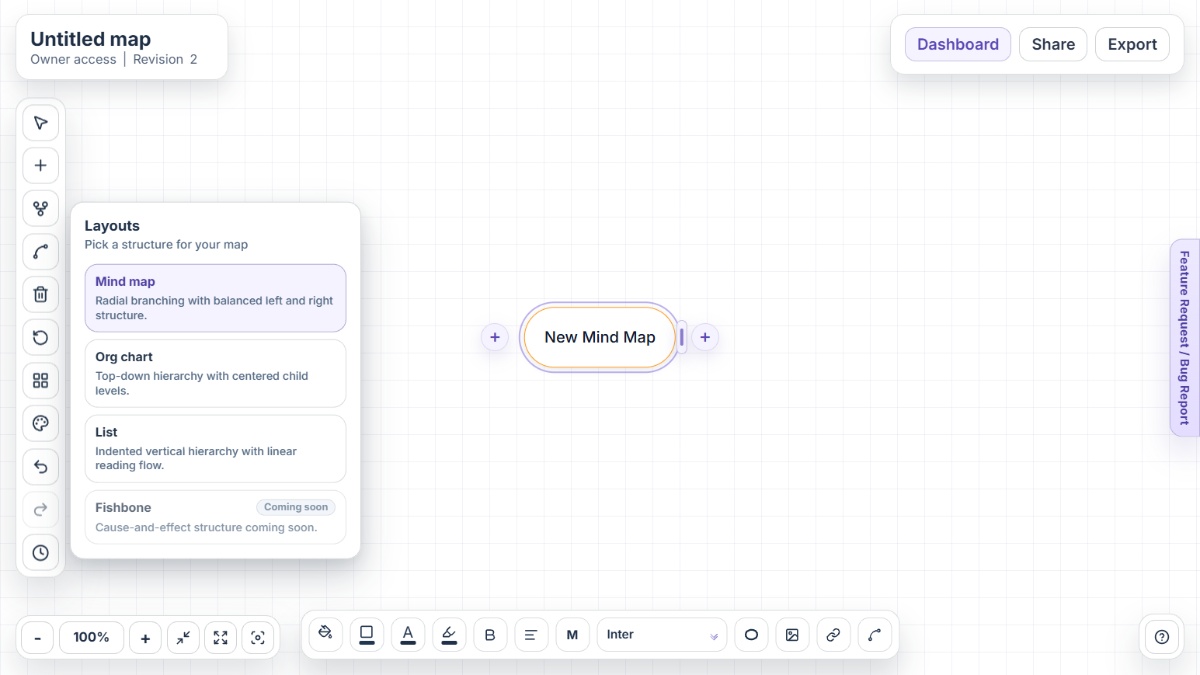
MindNode is a strong Apple-first app, yet many users compare alternatives when they need broader platform coverage, faster startup, or different collaboration and pricing tradeoffs.
When team members work across mixed device stacks, buyers frequently compare tools that are equally native on web, desktop, and mobile environments beyond Apple.
Outlines, collaboration, tasks, and deeper structure controls are Plus capabilities, so users who need them daily often benchmark alternatives before upgrading.
In quick workshop or brainstorming contexts, teams sometimes prefer no-install, no-onboarding tools that open directly to an editable canvas.
Handoff needs vary from docs and slides to outlines and image assets, so users compare tools by how naturally they fit existing delivery workflows.
Larger organizations often assess alternatives for governance, integration breadth, and standardized collaboration practices across departments.
Mindmap-Maker is a browser-first mind mapping platform built for instant idea capture, clear structure, and smooth sharing without signup friction.
XMind is a dedicated mind mapping platform with advanced structures, AI-assisted workflows, and collaboration options for individuals and teams.
MindMeister offers collaborative online mind mapping with templates, presentation workflows, and task-oriented branch planning.
Coggle is a lightweight web mind map and flowchart tool focused on fast branch editing, visual clarity, and collaborative iteration.
Miro combines mind mapping with full whiteboard collaboration for workshops, planning, and cross-functional visual communication.
MindNode is an excellent option for Apple-centric users who want a polished, private mapping experience. If your workflow needs broader platform support, no-signup speed, or different collaboration and pricing models, there are strong alternatives worth considering. Mindmap-Maker stands out for instant browser-first mapping, while XMind, MindMeister, Coggle, and Miro each fit different planning styles.
Mindmap-Maker is a strong choice if you want to open a browser and start mapping immediately without account setup.
Yes. MindNode has a free tier, and MindNode Plus unlocks advanced capabilities such as outlining, collaboration, tasks, and visual refinement features.
Yes. MindNode includes live collaboration in Plus and syncs privately across Apple devices through iCloud workflows.
MindNode supports a broad set of export formats, including PDF, SVG, PNG, FreeMind, OPML, Markdown, and rich-text style outputs.
Typical reasons include Apple-only platform constraints, premium feature gating, and the need for faster browser-first sessions or broader enterprise integration ecosystems.
Miro is often selected for broader whiteboard collaboration, while Mindmap-Maker is often preferred for focused, fast mind map workflows.