
Break down big subjects into chunks
Twenty chapters in a textbook? Physics formulas? Historical timelines? Map them as branches so your brain doesn't overload during study sessions.
Turn notes into visual maps that stick. Whether you're cramming for midterms, outlining essays, or working through group projects, one tool handles all of it.
For students who want to actually understand
Highlighting pages and transcribing lectures into walls of text doesn't stick. Mind maps do. Organize what you're learning visually, see how ideas connect, prepare for exams faster. It works because your brain processes visuals better than linear text.
Real student problems, actually solved
Twenty chapters in a textbook? Physics formulas? Historical timelines? Map them as branches so your brain doesn't overload during study sessions.
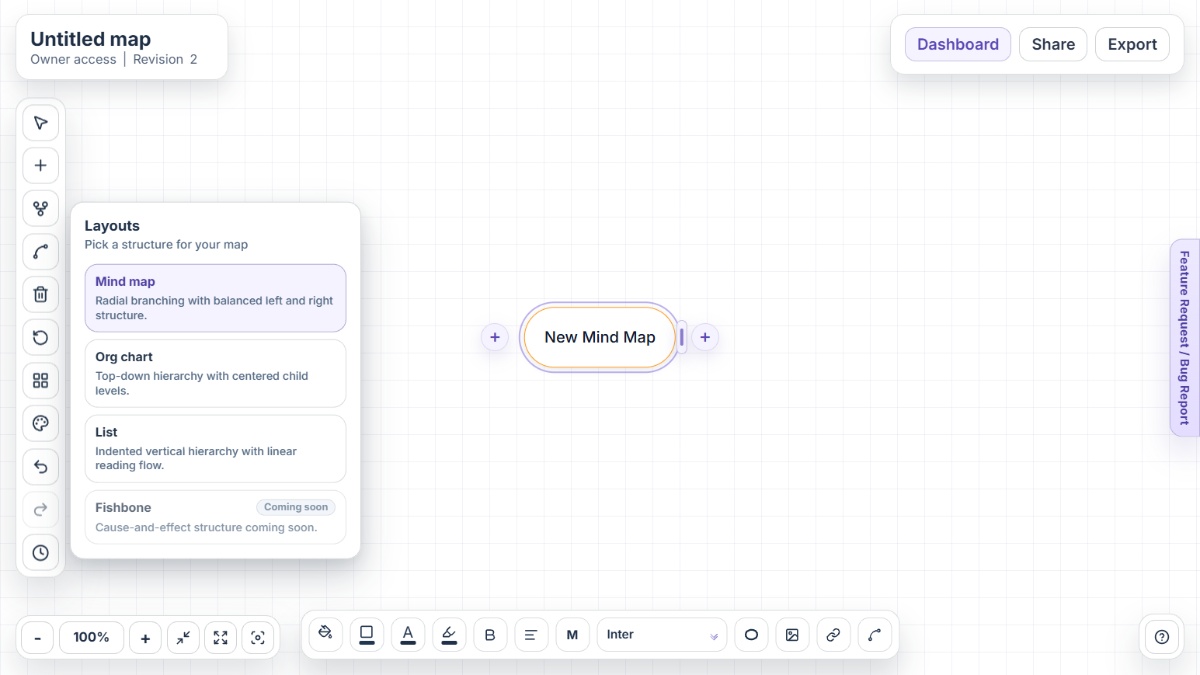
Brainstorm messy, organize hierarchical, or turn the whole thing into a checklist. Same map, three different views depending on what you're doing.
Ctrl+F through your entire map to find that one thing you know you wrote somewhere. Game-changer when you're cramming the night before.
Deleted something? Changed your outline three times? Version history saves every iteration so you can go back without freaking out.
Send your map to classmates—they can view, edit, or just read it. No accounts required. No sign-ups. Just instant access.
Teachers want it as a PDF? PNG? Word document? HTML outline? One map exports to all of it. No scrambling in the last hour.
Student workflows
Comparison
The difference is not hype. It is workflow fit: fewer barriers at the start, stronger feature coverage in the free plan, and cleaner movement from study map to assignment output.
Mindmap-Maker includes layout switching, version history, secure sharing, and export options in the free experience, while many tools reserve these for paid plans.
Mindmap Maker lets you brainstorm, organize, revise, and export from one map instead of rebuilding notes across separate tools.
Students can start instantly in-browser with no sign-up barrier, then still use advanced workflows as coursework gets more complex.
FAQ
Yes. Mindmap-Maker is built for study workflows like revision planning, essay structuring, project mapping, and concept review.
Yes. Mindmap Maker is fully free with no premium tier, no ads, and no sign-up requirement.
Yes. You can map topics by chapter, identify weak areas, and switch to List layout to run a practical exam checklist.
Yes. You can share maps with unique links and set viewer or editor access. Optional password and expiry controls are available when needed.
Use export options like PDF for review, PNG for presentation, and Word or HTML outline for writing handoff.
Yes. Version history lets you preview and restore previous map states if you want to undo major structure changes.
Visit the Help Center for guides on layout modes, export workflows, keyboard shortcuts, and troubleshooting.
Need examples and setup help? Start with the Help Center or review all core capabilities on the Features page.
Open Mindmap-Maker instantly and turn your next topic into a clear study map in minutes.