
Mindmap Maker Is Live: Think Visually, Plan Clearly, Move Faster
We are excited to launch Mindmap Maker, a visual workspace built for clear thinking, faster planning, and practical team collaboration.

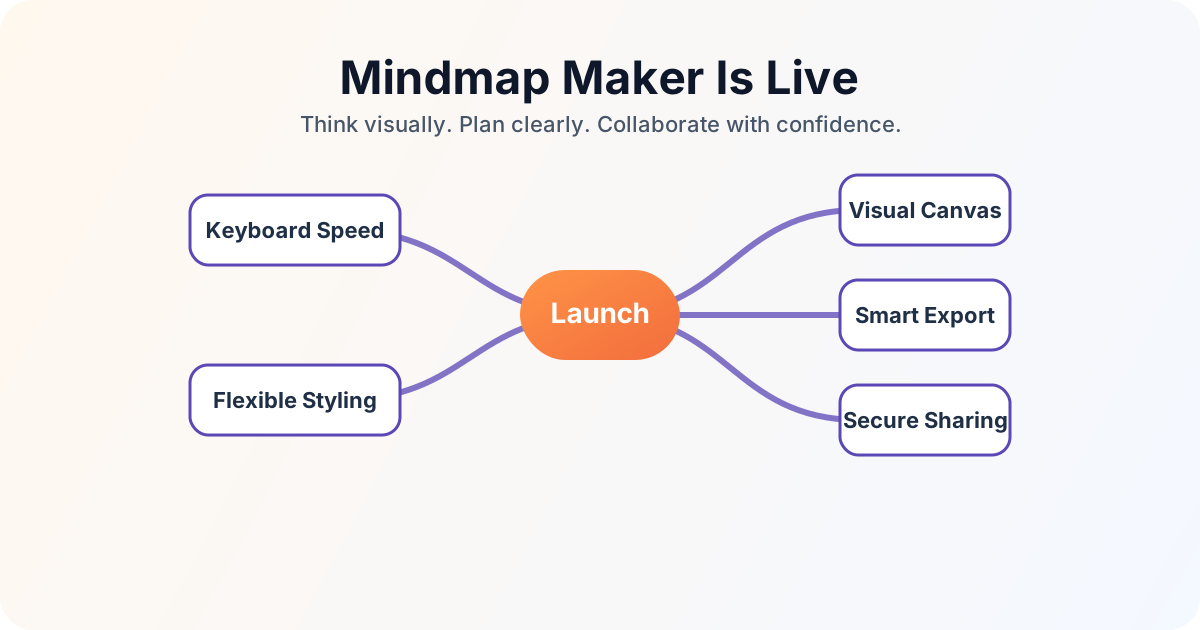
Mindmap Maker is now live at mindmap-maker.com/app.
This launch is about one simple goal: helping people think more clearly by making structure visible. Whether you are shaping strategy, planning delivery, or capturing a fast brainstorm, Mindmap Maker gives you a focused visual workspace that keeps ideas organized and actionable.
What you can do with Mindmap Maker today
Build ideas on an infinite visual canvas
Start from a central concept and expand naturally with child and sibling nodes. You can pan, zoom, drag, and reorganize your map as your thinking evolves, without fighting the interface.
Work quickly with keyboard-first editing
Mindmap Maker supports practical shortcut workflows for creating and editing nodes, navigating by arrow keys, styling text, switching tools, and exporting. This makes it fast to capture momentum during planning sessions.
Keep maps readable with layout and structure tools
You can use auto layout, fold and unfold branches, and clear hierarchy controls to keep larger maps understandable as they grow.
Capture more than plain text
Beyond standard nodes, you can add sticky notes, style nodes with color and typography controls, and create custom connections with adjustable curves when relationships go beyond a strict tree.
These capabilities are available to every user at no cost.
Share securely and collaborate with context
Share maps with generated links and assign viewer or editor access. You can also configure optional expiry and password protection for more controlled sharing.
Export in the format your workflow needs
Mindmap Maker includes export options for:
- Images: PNG, JPG, SVG with selectable resolution
- PDF: fit-to-map, A4, or Letter with orientation controls
- Text outline: HTML, Microsoft Word, or indented text
That means your map can move easily from ideation into documentation, handoff, and execution.
For practical walkthroughs, see these help guides:
- First Mind Map Setup: Build a Clear Plan in Minutes | Guide
- Mindmap Editor Walkthrough: Navigate Canvas, Toolbar, and Panels
- Secure Map Sharing Guide: Roles, Passwords, Expiry, Revokes
- Mind Map Export Guide: PNG, PDF, Word, and HTML Outlines
Why this matters
Most teams lose time not because they lack ideas, but because ideas stay unstructured. Visual mapping helps teams align faster, spot dependencies earlier, and make better decisions with less back-and-forth.
Mindmap Maker is designed to support that outcome with a clean editing experience, practical controls, and export/share paths that fit real work.
We are just getting started
This launch is the first step. We are continuing to improve editor, collaboration flows, & export quality based on real usage.
If you are ready to map your next plan, start here:
We are excited to see what you build.
Tags
Keep reading
Related posts
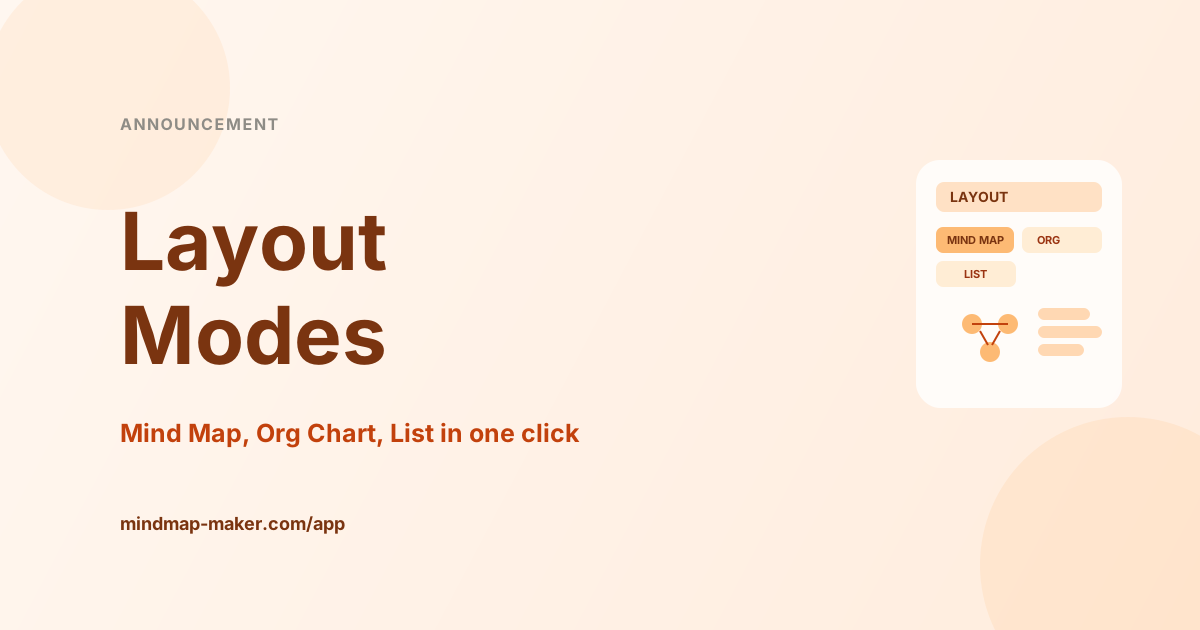
Announcement: Multiple Layout Modes for Mind Map, Org, List
Mindmap Maker now supports Mind Map, Org Chart, and List layouts with one-click switching, so teams can match map structure to planning context instantly.
Matt Grace
Product Updates

Announcement: Find in Map Search and Safe Node Hyperlinks
Mindmap Maker now includes Find in Map and safe node hyperlinks, so you can locate content instantly and add trusted links with strict protocol validation.
Matt Grace
Product Updates
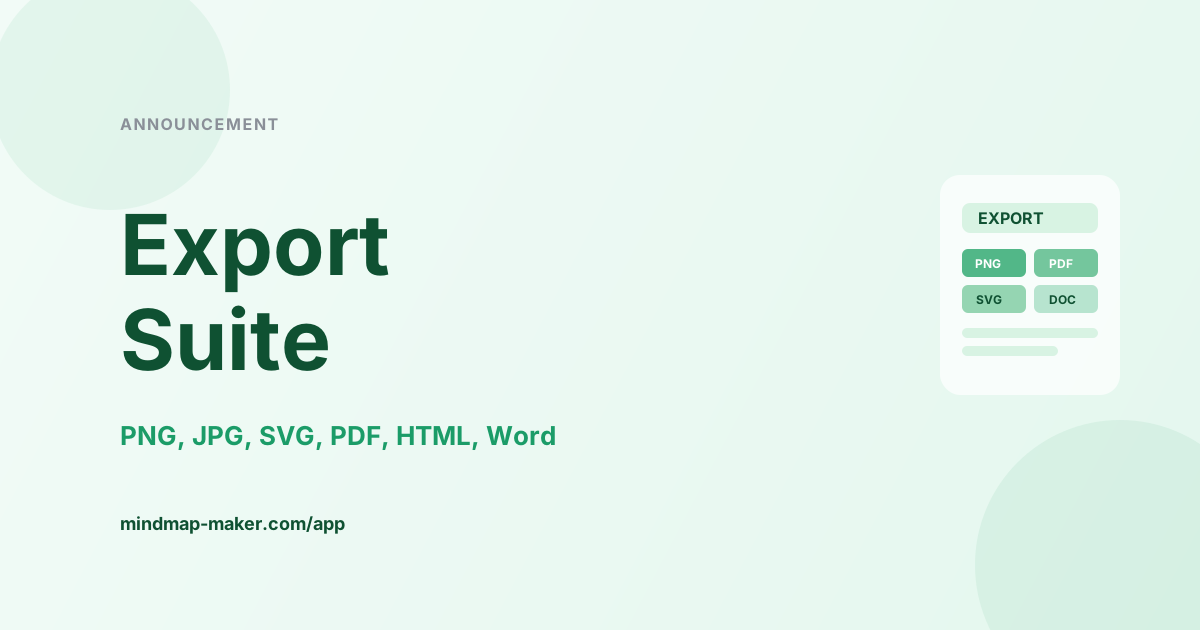
Announcement: Multi-Format Export Suite: PNG, PDF, Word
Mindmap Maker now ships a complete export suite for PNG, JPG, SVG, PDF, HTML outline, and Word with resolution and page controls for clean handoffs.
Matt Grace
Product Updates